This guide will show you how to access and use the different Photo Tools available within the Picture Keeper app.
- Click Files on PK Drive
on the left:
- Navigate to, and select the file you would like to edit:
- Select the Photo Tool you would like to use:
- Follow the on-screen instructions to utilize the tool!
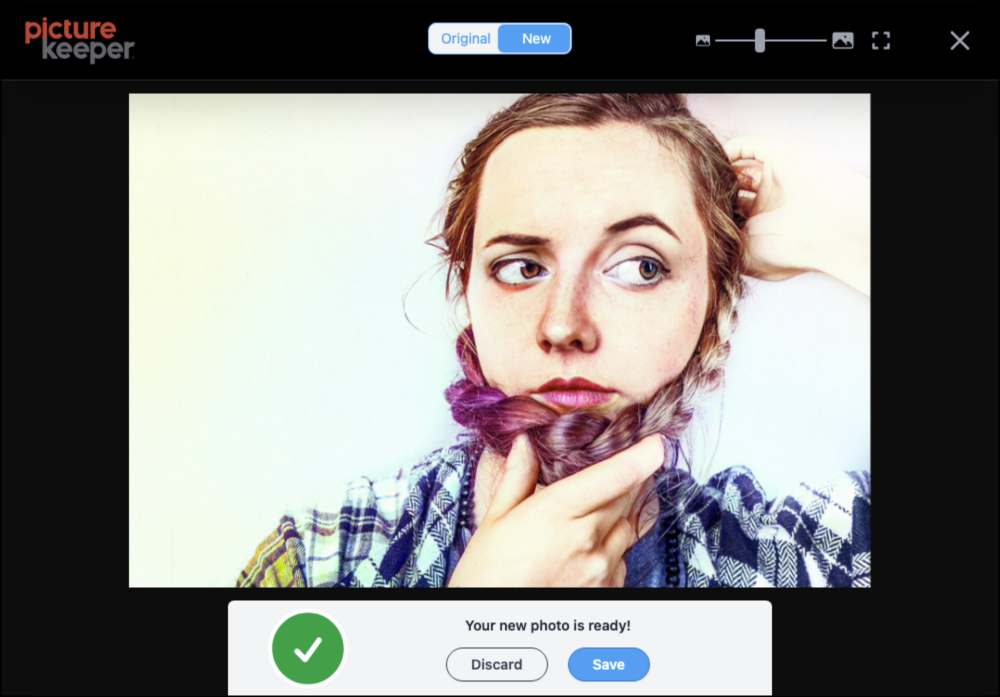
See below for examples of some of the tools in action
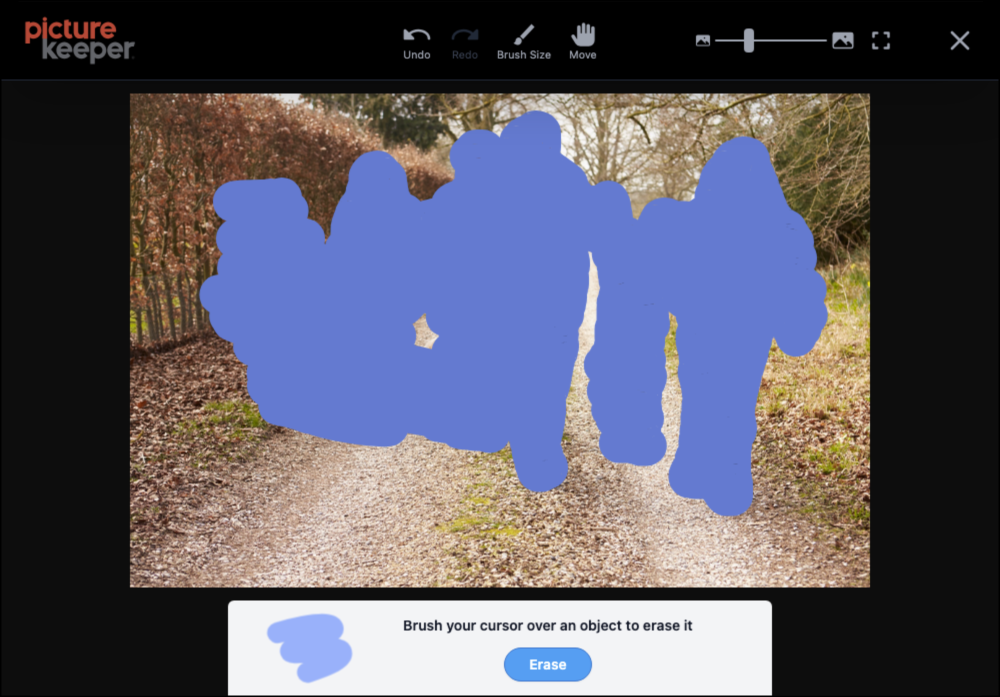
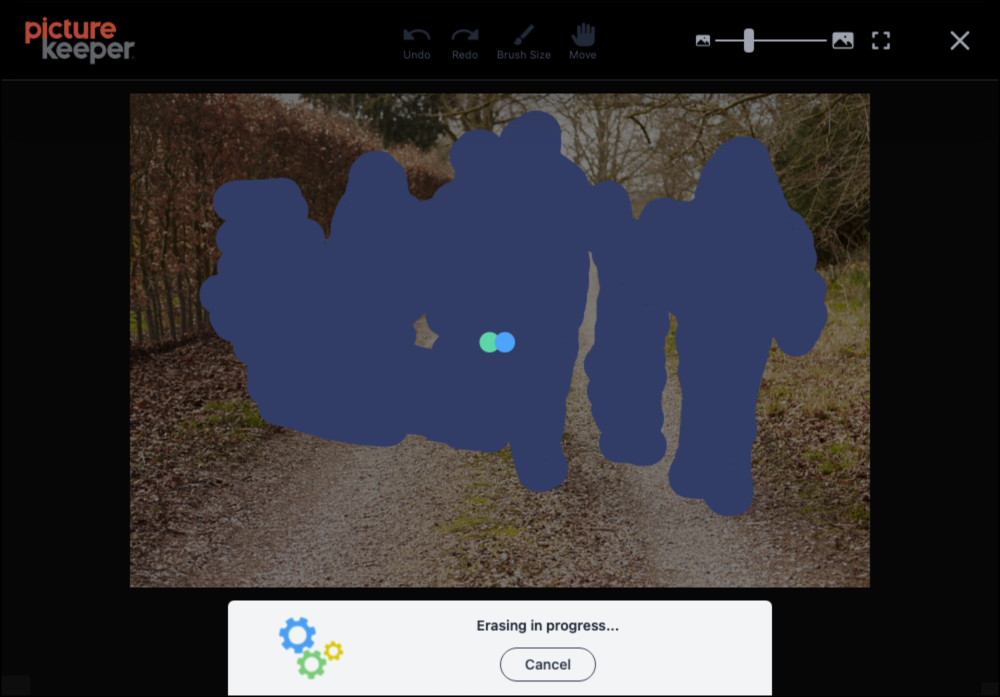
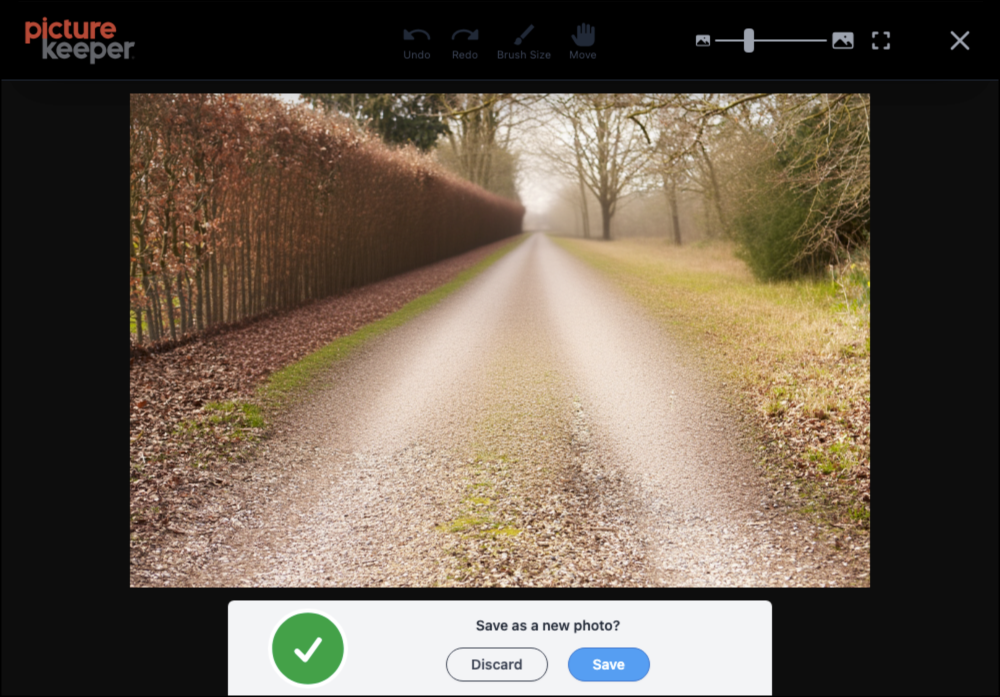
MAGIC ERASE

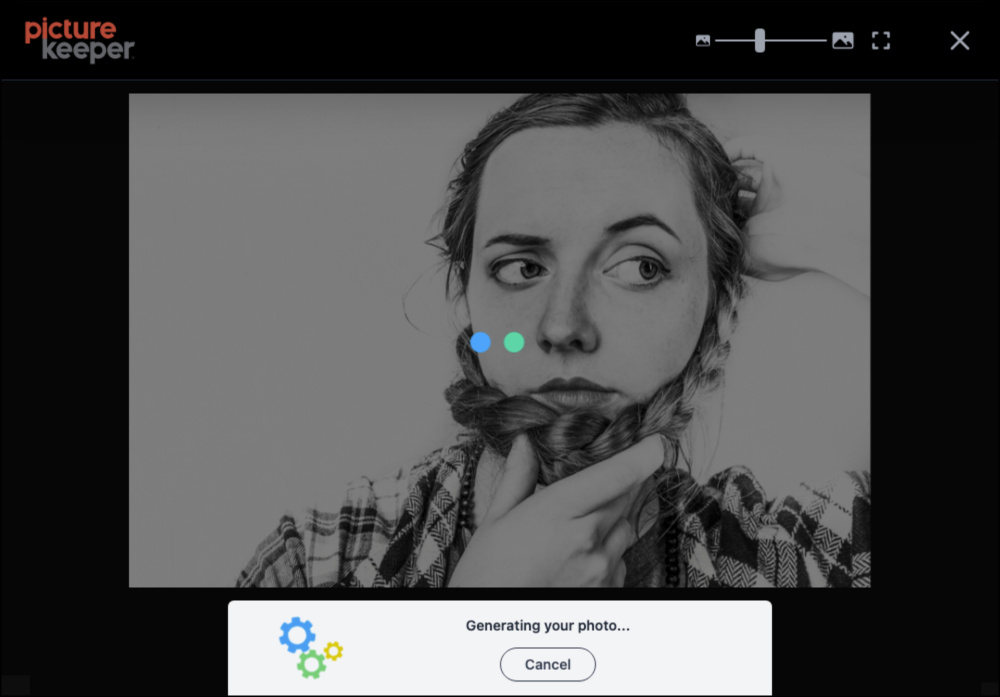
COLORIZE
**If you need any additional assistance, please contact Picture Keeper Support.