This guide will show you how to access and use the different Photo Tools available within the Picture Keeper app.
- Click Files on PK Drive
on the left:
- Navigate to, and select the file you would like to edit:
- Select the Photo Tool you would like to use:
- Follow the on-screen instructions to utilize the tool!
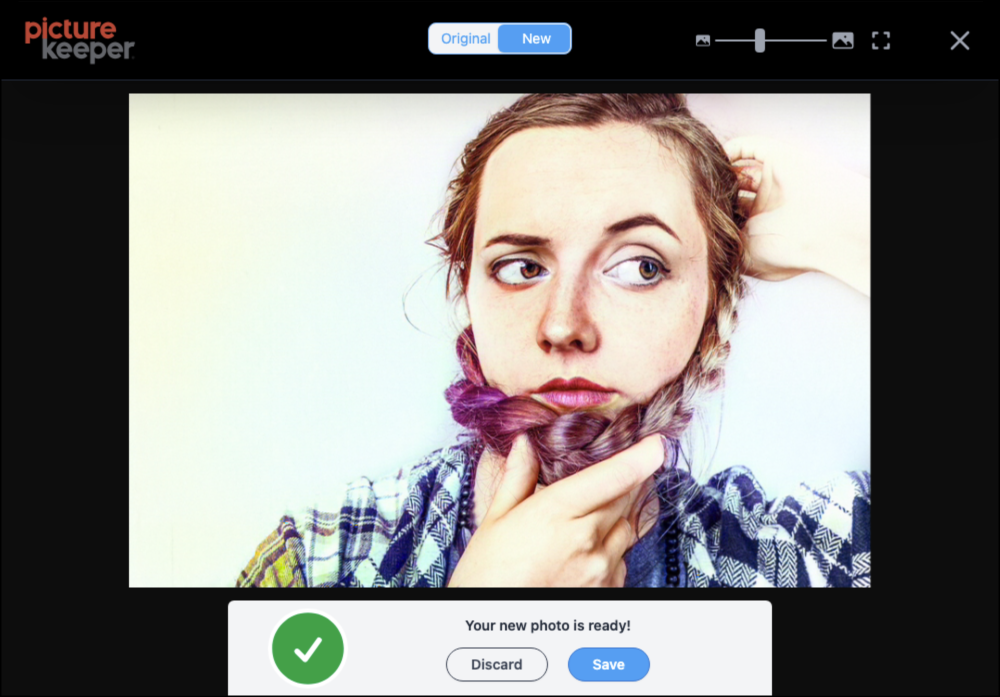
See below for examples of some of the tools in action
MAGIC ERASE

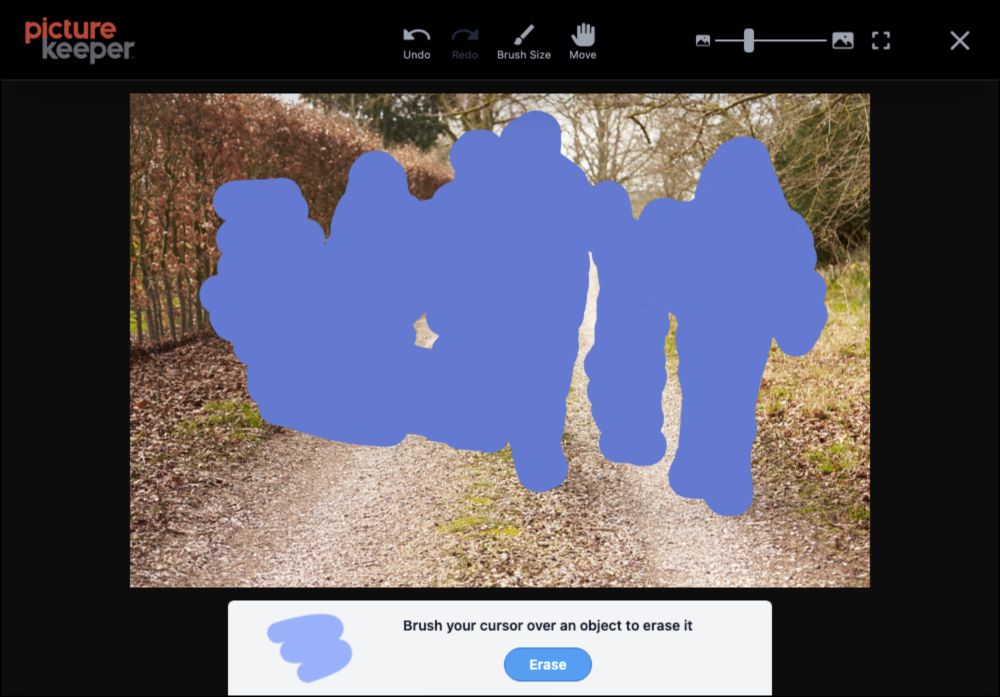
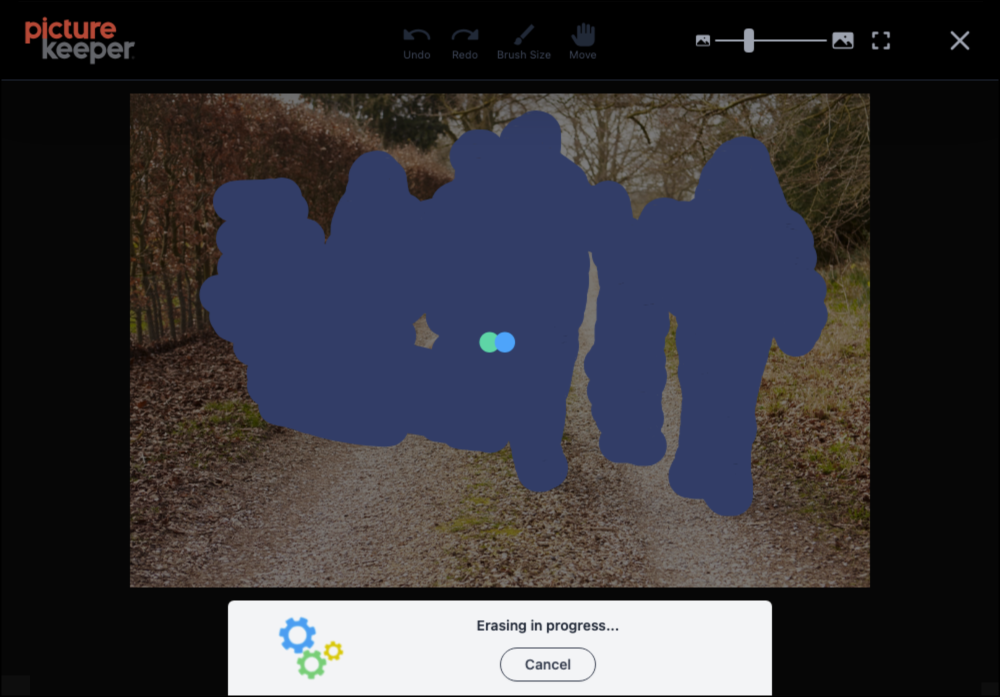
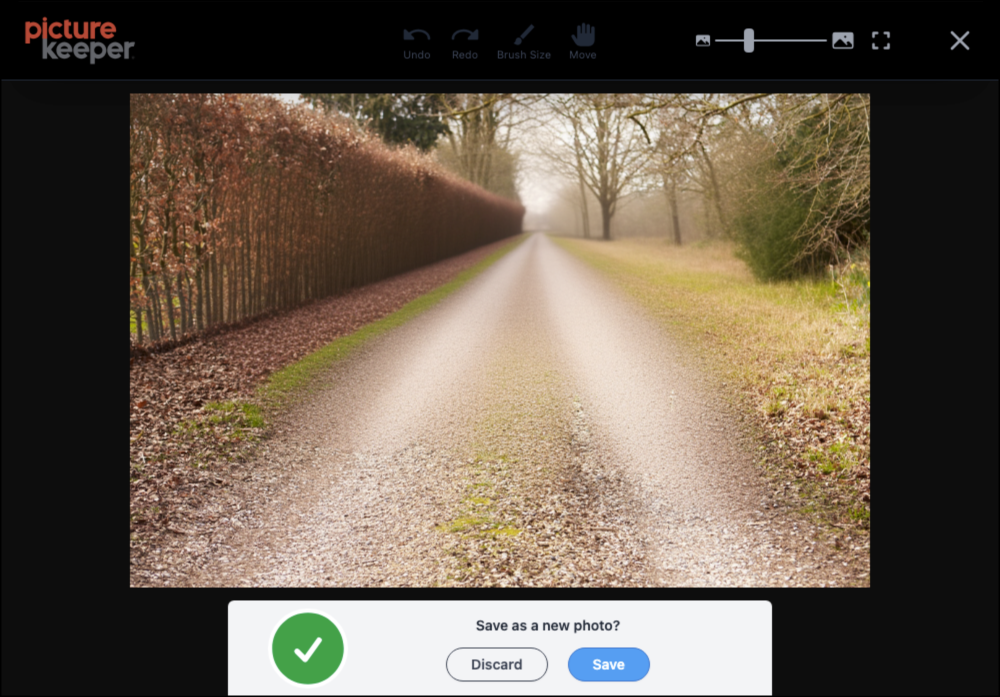
COLORIZE
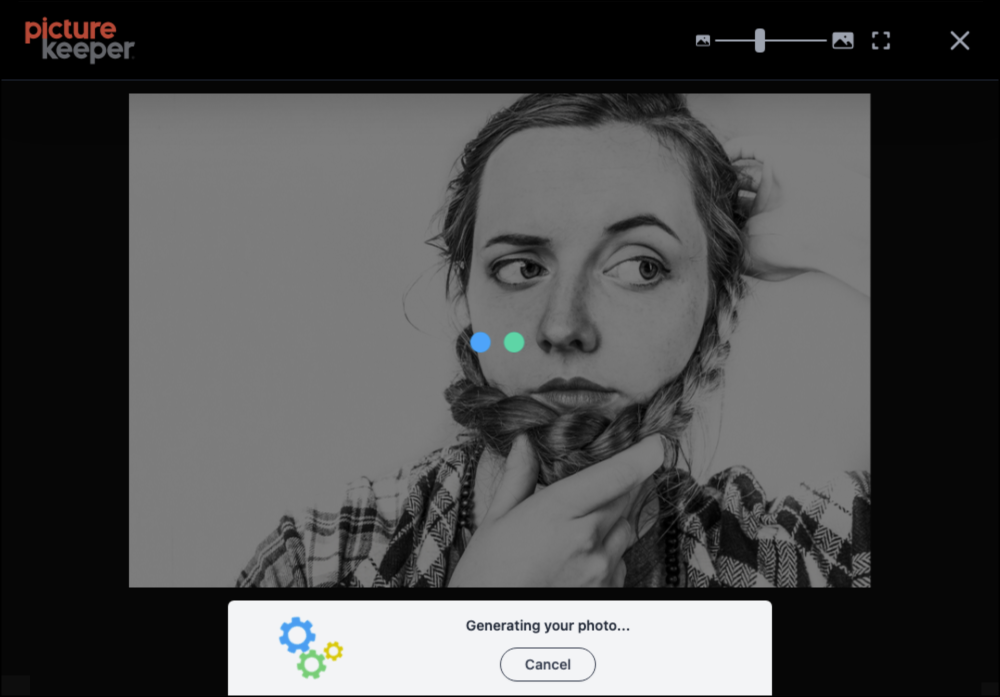
If you need any additional assistance, please contact Picture Keeper support.